

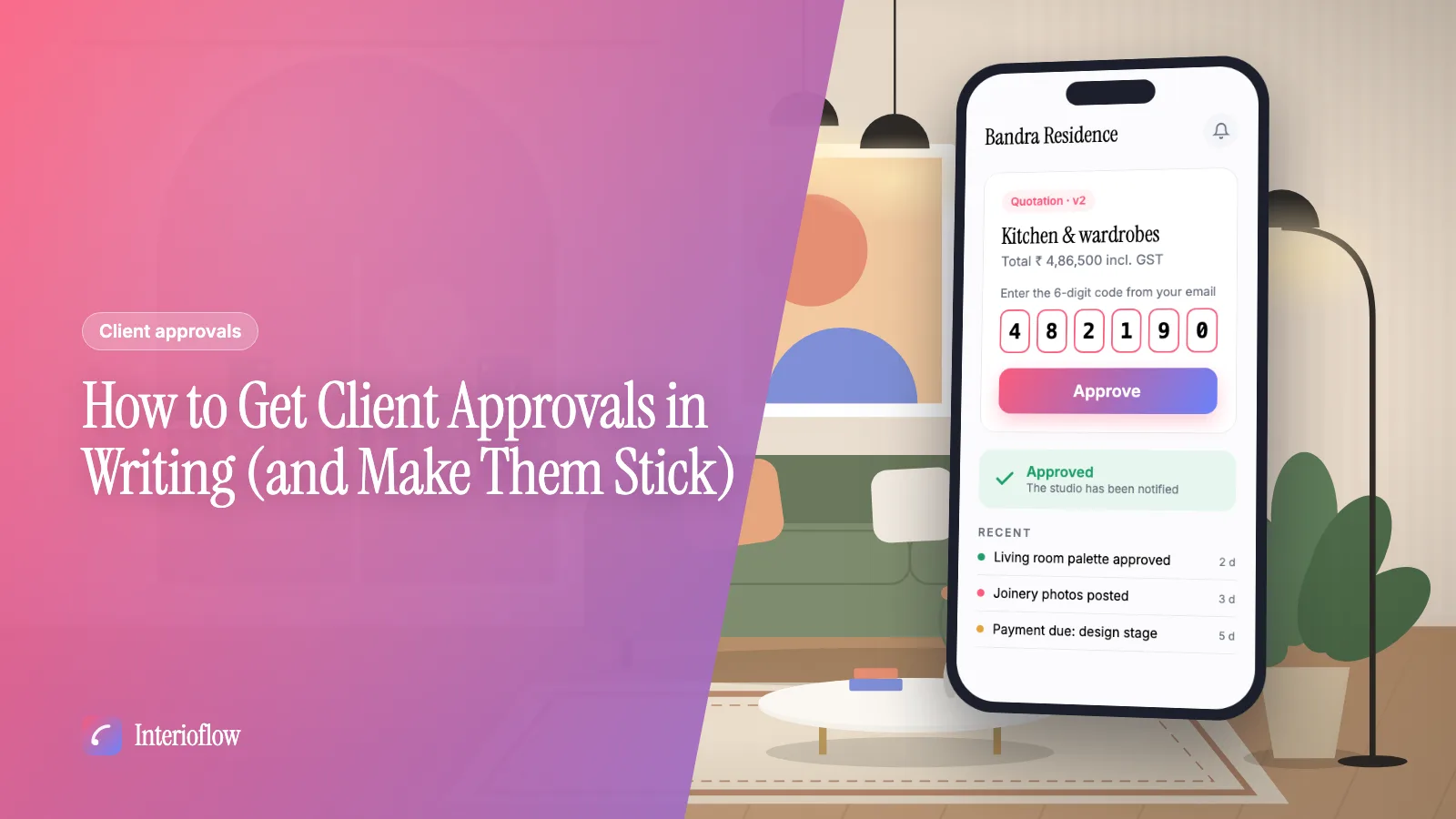
Client approvals
How to Get Client Approvals in Writing (and Make Them Stick)
A practical way for interior designers to get client sign-off in writing: what to send, when, and how to stop a yes on WhatsApp turning into a dispute.
· 8 min read
Approvals
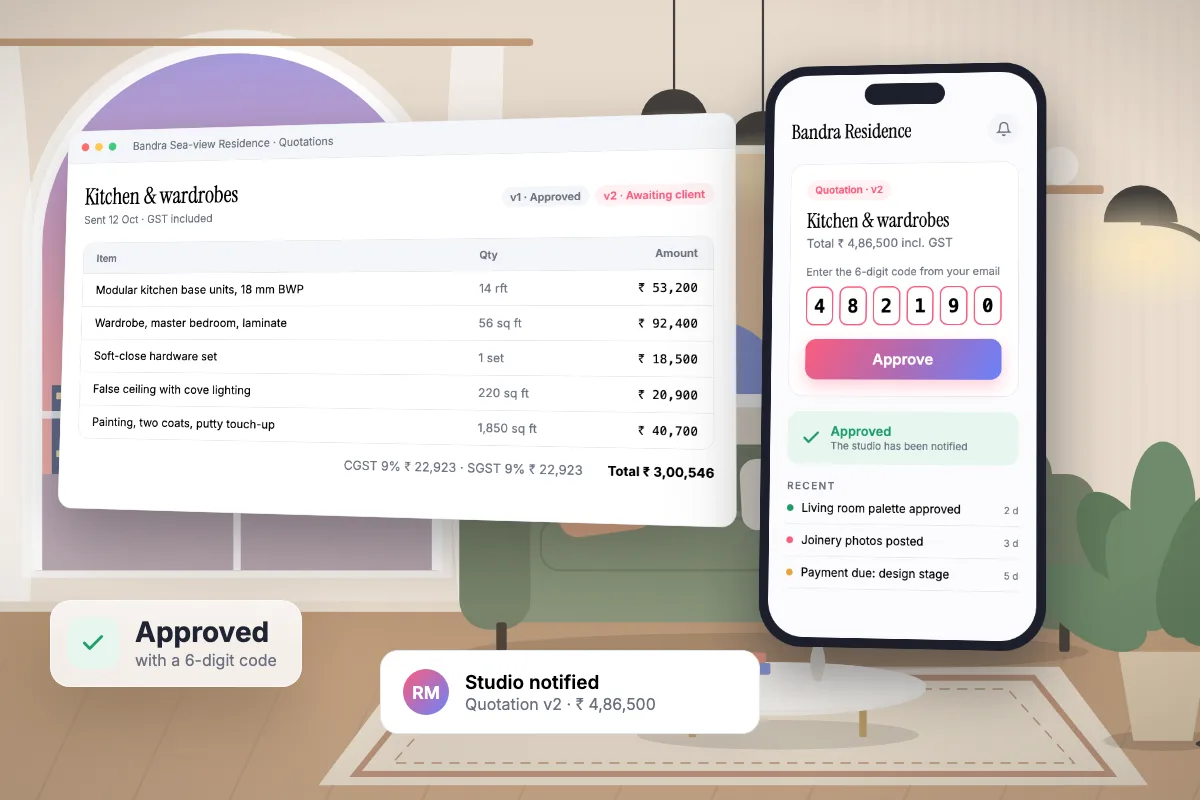
Interioflow sends every quotation, deadline change, milestone change and extra charge to the client as a clear approval request. The client approves or rejects it with a 6-digit code emailed to them, and the decision is stored against their name, the time and what exactly they agreed to.
See it in action
The client approves a quotation with a code emailed to them. A real recording of Interioflow with a sample studio's data, 78 seconds.
Most disputes in interior projects start the same way: something was agreed on a call or a WhatsApp voice note, the bill arrives, and the memory of what was agreed is different on each side. A thumbs-up emoji is not an approval you can point to three months later.
A quotation, a new target date, a milestone change or a material charge, with the reason written down.
An email and a red bell in their portal show exactly what is waiting for them.
One tap sends a 6-digit code to their email. Entering it records the decision.
The studio sees the answer in its bell, and the activity log keeps it for good.
It is clearer. The approval is tied to one specific request, the client typed a code sent to their own email, and the record shows the time and the exact amount or date they agreed to.
They only need to open an email and type six digits. The portal is built for clients, not for designers, and shows nothing internal.
No. Only the site's client can answer an approval, which is the point: the record is theirs.
Client approvals
A practical way for interior designers to get client sign-off in writing: what to send, when, and how to stop a yes on WhatsApp turning into a dispute.
· 8 min read
Build interior design quotations from your catalog, labour and custom lines with GST. Send the PDF, track every version and see approved totals add up.
Learn moreSend concepts, colour palettes, layouts, finishes, agreements and payment terms for client sign-off, with options, drawings, revisions and reminders.
Learn moreGive clients one place to follow progress, see costs, read quotations, answer approvals and message the studio, without exposing anything internal.
Learn moreFlat per-site pricing. Unlimited users. Start with a free site.