
Client approvals
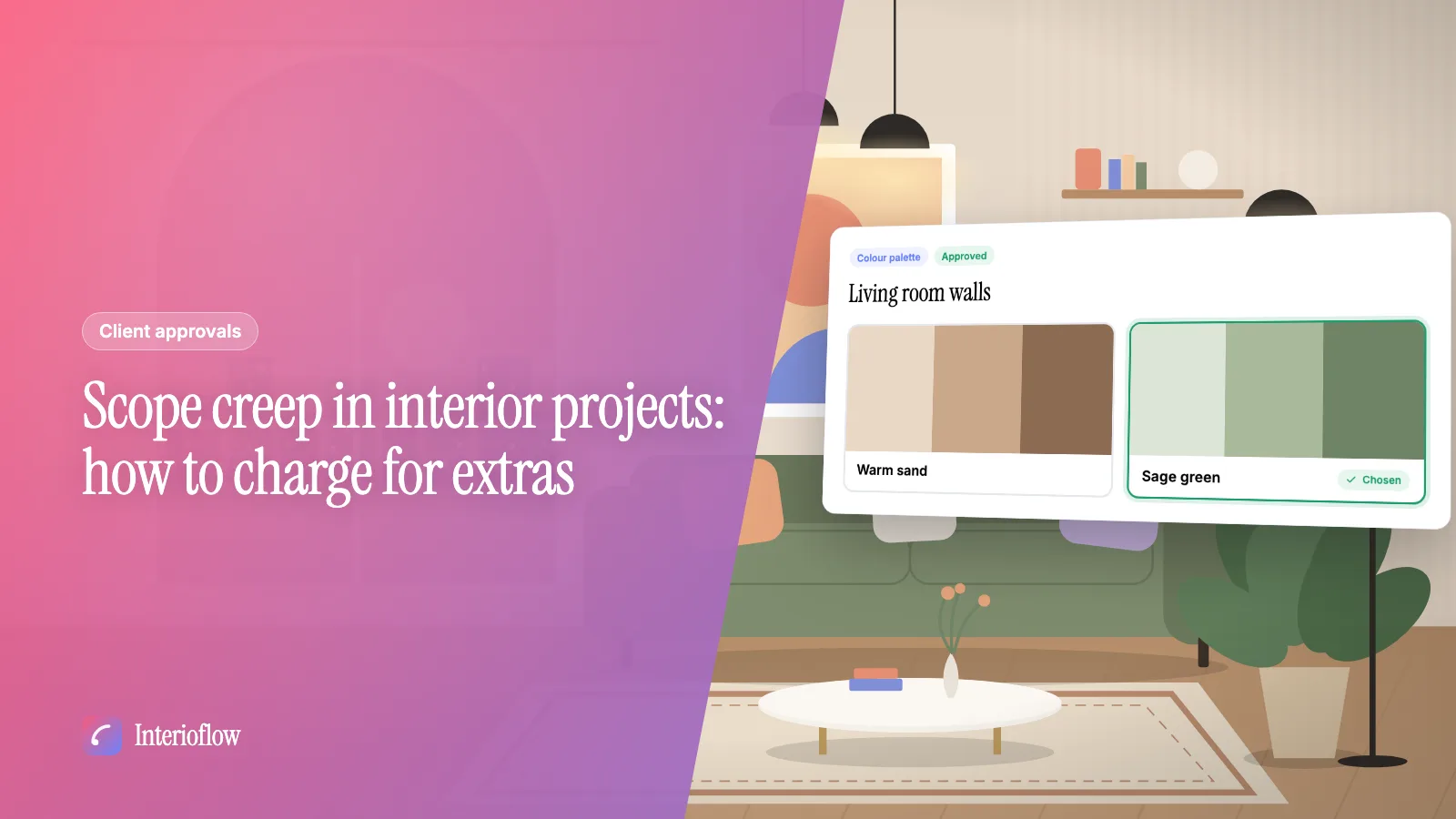
Scope creep in interior projects: how to charge for extras
How to spot scope creep on an interior site, charge fairly for extra work and design revisions, and get the client's yes in writing before work starts.
· 8 min read
Design sign-off
Interioflow lets you send anything that needs the client's yes before work moves: a concept, a colour palette, a layout, a finish, the agreement or the payment terms. You can offer two to six options with images, attach drawings, set a reply-by date, and the client approves, asks for changes or rejects. Every answer to every version is kept.
See it in action
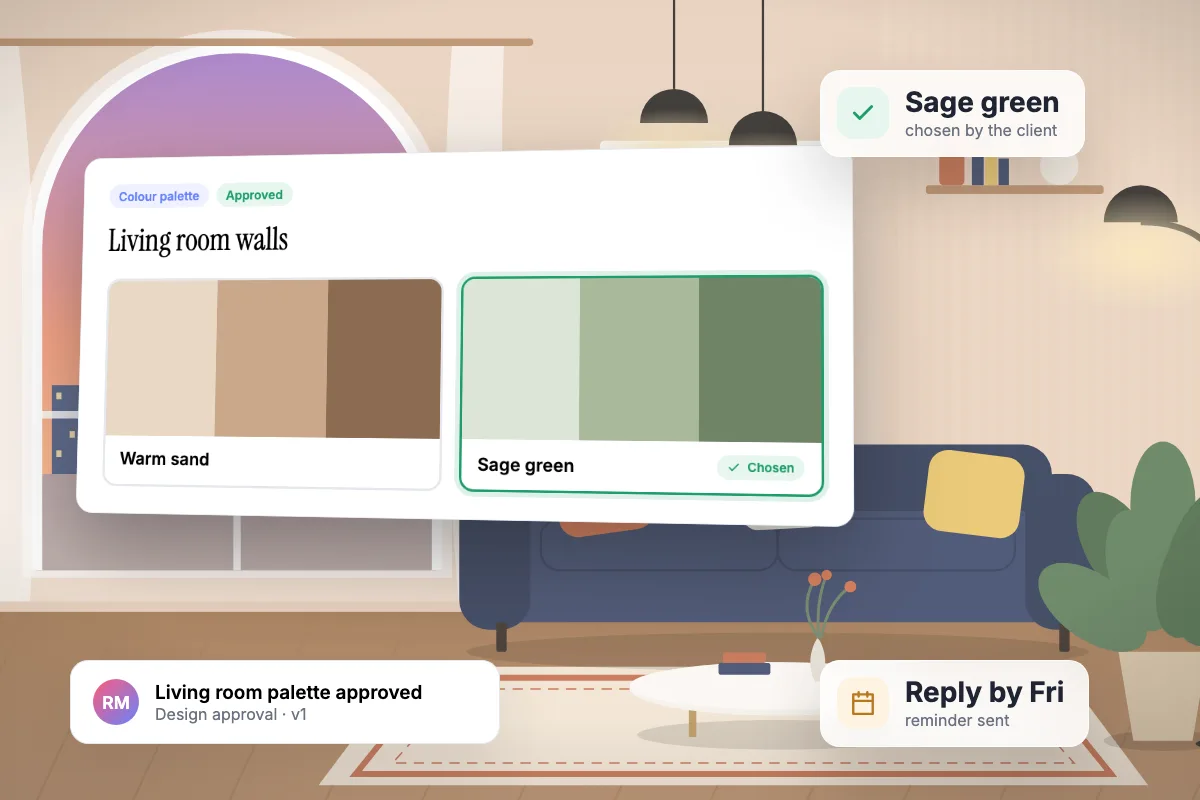
Send colour options; the client picks one and approves. A real recording of Interioflow with a sample studio's data, 93 seconds.
Design decisions get made in a showroom, on a call or in a long chat. Weeks later the laminate is on site and the client remembers choosing the other one. Without a record of what was chosen, the studio absorbs the cost.
A title, details, up to 6 options with images, and drawings or PDFs attached.
They choose an option and approve, or ask for changes with a reason.
Changes come back to you. A revision goes to the client as version 2, 3 and so on.
An approved request is locked. Binding items like agreements are confirmed with a code.
Yes. Offer two to six options with images. Approving means choosing one, and the chosen option is recorded.
The request returns to the studio marked as needing revision. You edit it and resend it as a new version.
Quotations cover money. Design approvals cover choices, drawings and agreements that have no price attached but still need a clear yes.
Client approvals
How to spot scope creep on an interior site, charge fairly for extra work and design revisions, and get the client's yes in writing before work starts.
· 8 min read
Running projects
A practical interior project checklist for Indian studios, stage by stage from the first site visit to handover, with what to get signed at each step.
· 9 min read
Client approvals
A practical way for interior designers to get client sign-off in writing: what to send, when, and how to stop a yes on WhatsApp turning into a dispute.
· 8 min read
Get quotations, deadline changes and extra charges approved in writing. Clients confirm with an emailed one-time code, and every decision is logged.
Learn moreGive clients one place to follow progress, see costs, read quotations, answer approvals and message the studio, without exposing anything internal.
Learn moreBuild interior design quotations from your catalog, labour and custom lines with GST. Send the PDF, track every version and see approved totals add up.
Learn moreFlat per-site pricing. Unlimited users. Start with a free site.