
Client approvals
Scope creep in interior projects: how to charge for extras
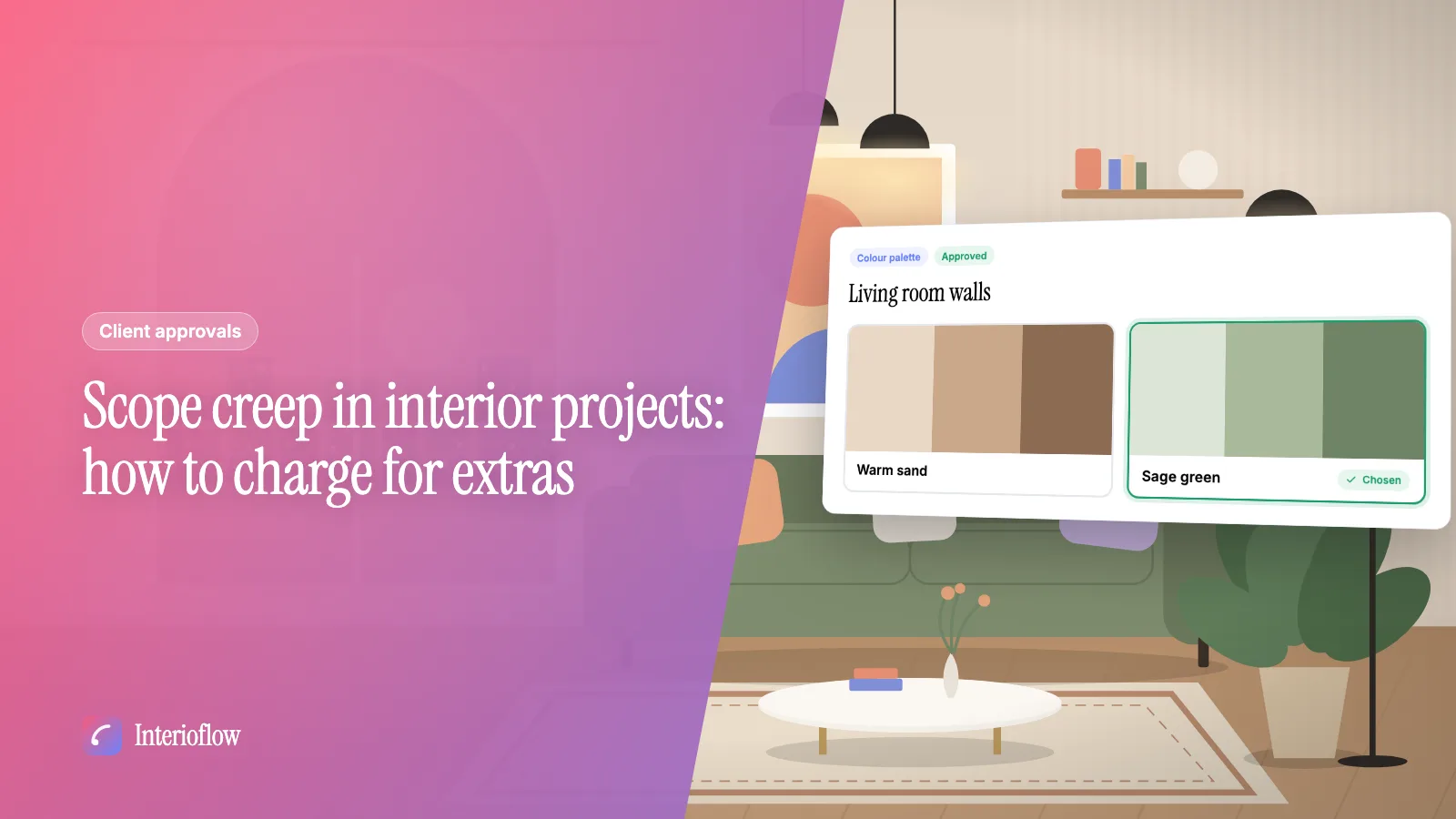
How to spot scope creep on an interior site, charge fairly for extra work and design revisions, and get the client's yes in writing before work starts.
· 8 min read
Quotations
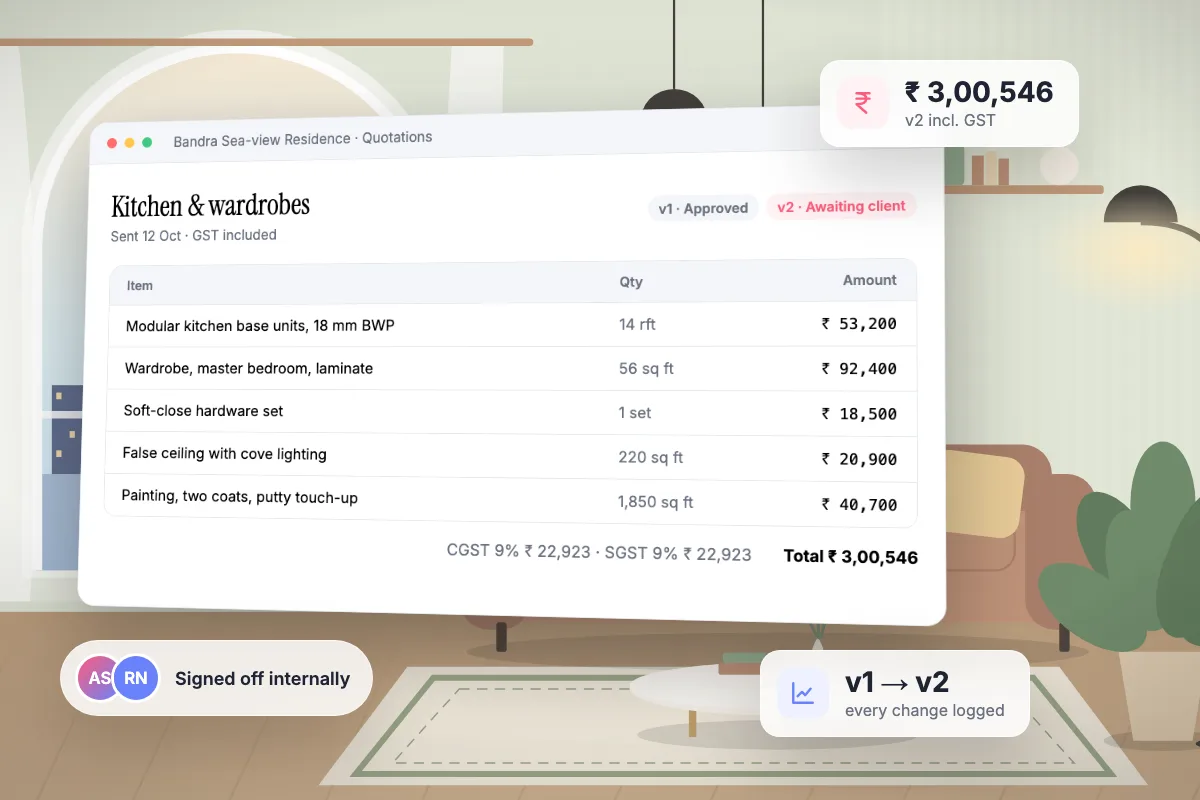
Interioflow builds quotations from the material assigned to a site, labour charges and your own custom lines, each with quantity, rate and GST. You send the client a PDF, they approve it with a code, and every revision becomes a new version with a full change log.
See it in action
Build a quotation with GST and send it for approval. A real recording of Interioflow with a sample studio's data, 107 seconds.
An interior project rarely has one quotation. There is the first estimate, then the wardrobe the client added, then the countertop upgrade. When those live in separate Excel files and email threads, nobody is sure which number is the real one.
Pull in material already assigned to the site at its assign rate, add labour lines and custom items.
If your studio wants it, a senior designer approves before anything leaves the office.
The client receives the quotation by email with the PDF attached, and it waits in their portal.
Each approved version adds to the site total, so additions never overwrite what came before.
Yes. A revision becomes a new version. The earlier version and the client's answer to it stay in the history.
No. The client sees quantities, rates and totals you quote. What you paid the vendor stays inside the studio.
Yes. Labour and miscellaneous charges recorded on the site can go onto the same quotation.
Client approvals
How to spot scope creep on an interior site, charge fairly for extra work and design revisions, and get the client's yes in writing before work starts.
· 8 min read
Pricing & quotations
Purchase rate, price and assign rate explained with worked rupee examples, plus how to set a material markup you can defend in front of any client.
· 8 min read
Pricing & quotations
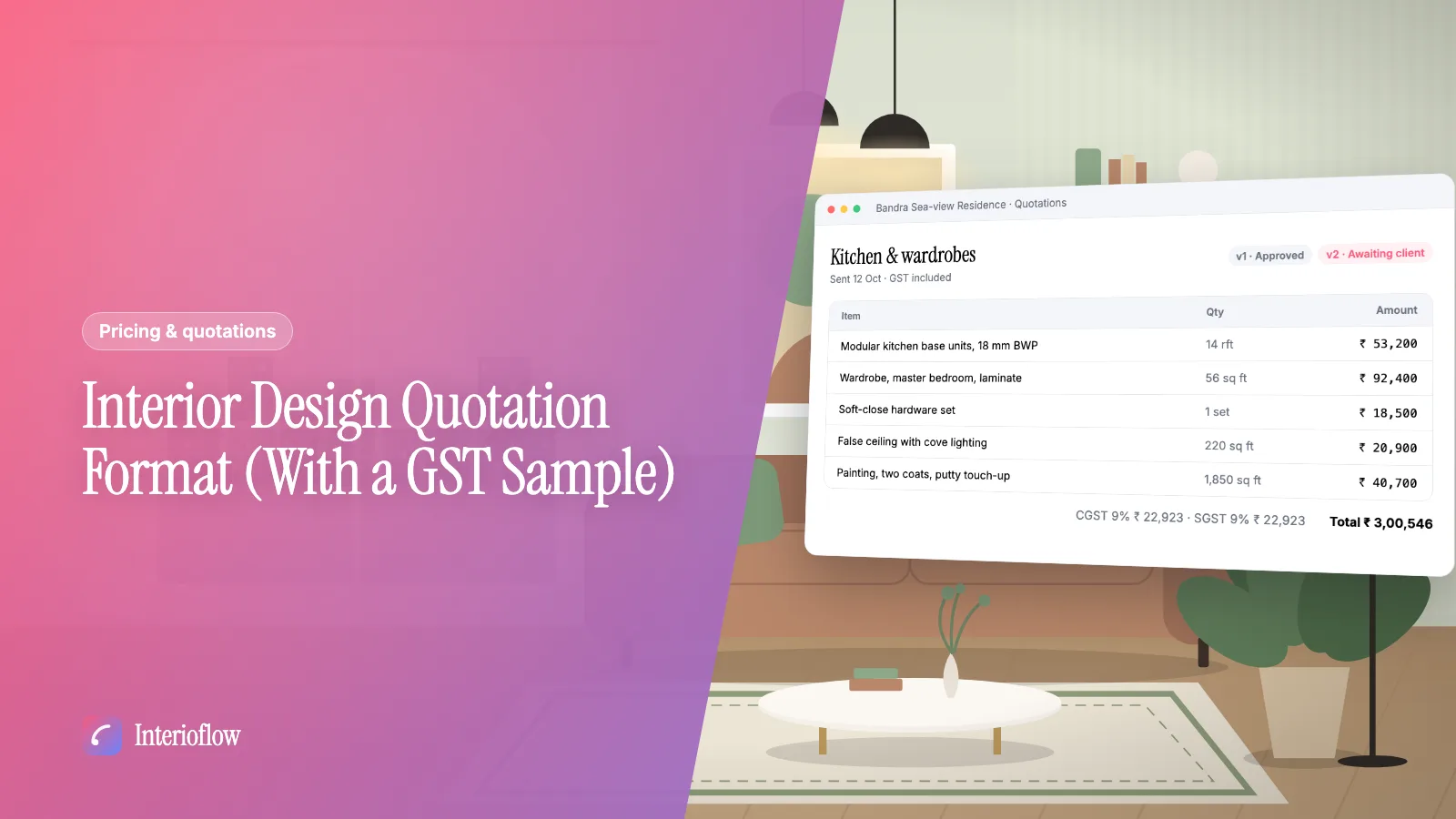
A clear interior design quotation format for Indian studios: what each line should say, how to show GST, a sample table and the mistakes that cause disputes.
· 8 min read
Get quotations, deadline changes and extra charges approved in writing. Clients confirm with an emailed one-time code, and every decision is logged.
Learn moreTrack material inward, stock and allocation to sites, keep a vendor rate book, and price each site separately while keeping purchase rates private.
Learn moreSchedule designer fee instalments, tie collections to milestones, record payments and see what is paid, pending and due on every interior site.
Learn moreFlat per-site pricing. Unlimited users. Start with a free site.