
Running projects
WhatsApp is not project management (but keep using it)
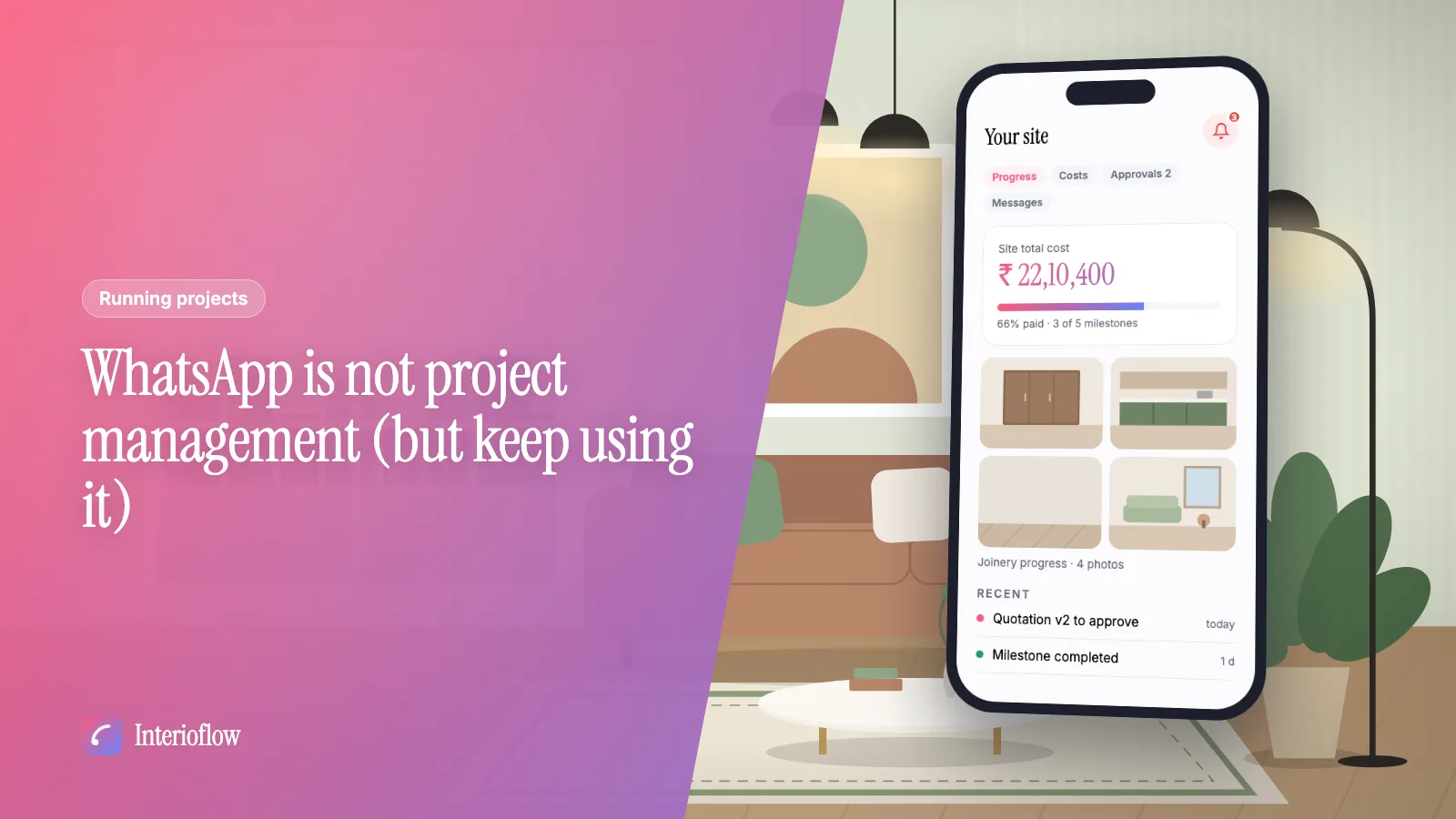
WhatsApp is great for quick chats with interior clients. Here's what it can't do (approvals, costs, records) and a simple way to split the work between tools.
· 8 min read
Clients
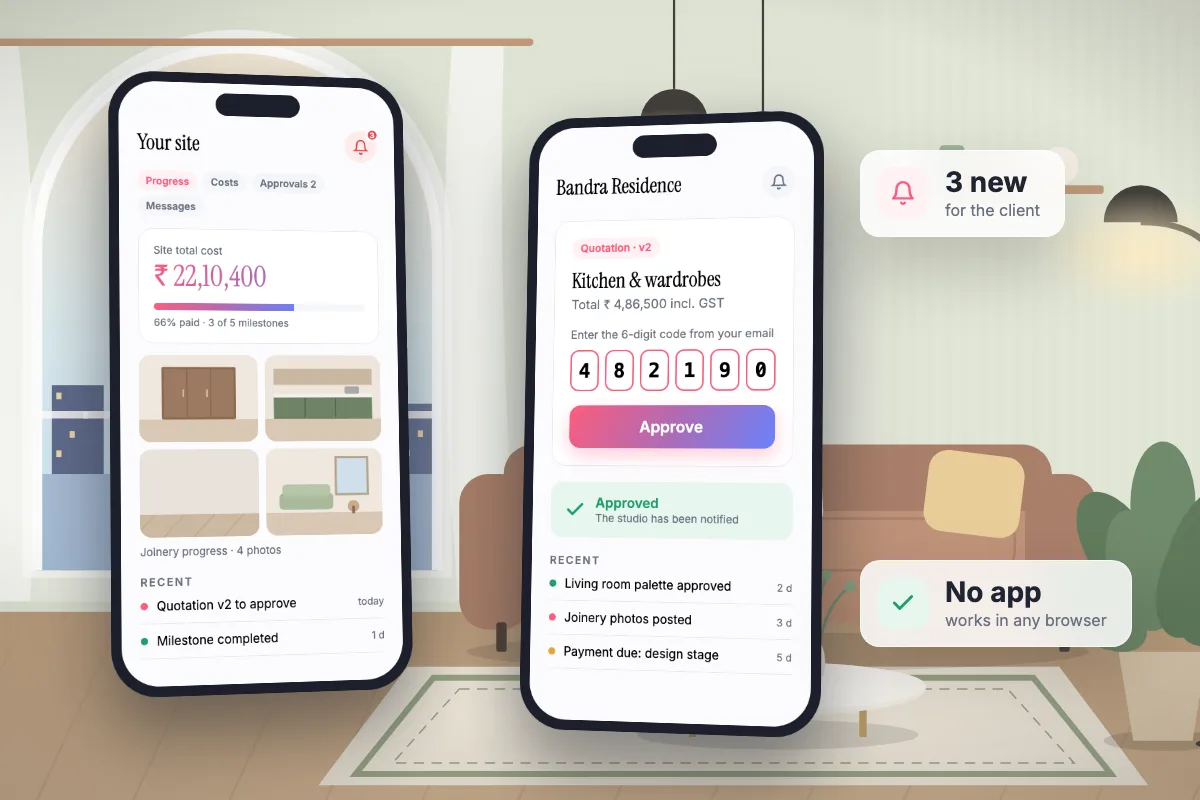
Every client gets a portal for their own sites. They follow milestones and progress photos, see what the project costs and what is paid, read quotations, answer approvals and message the studio. Purchase rates, markup, vendors and internal tasks are never shown.
See it in action
What your client sees, from progress to messages. A real recording of Interioflow with a sample studio's data, 86 seconds.
Clients do not want another app full of jargon. They want to know three things: how far along the work is, what it costs, and what is waiting for them. When that information is scattered, they call you, at 10 pm.
Create a portal login when you add the client, or later from the client list.
One site opens directly; several sites, even with different studios, show as cards.
Approvals, updates and messages, counted until they are seen.
Approve, request changes or reject on a phone, with a code for binding items.
No. The portal opens in any browser on a phone or a computer.
No. A client only ever sees their own sites.
Yes. Each site has one message thread between the client and the studio.
Running projects
WhatsApp is great for quick chats with interior clients. Here's what it can't do (approvals, costs, records) and a simple way to split the work between tools.
· 8 min read
Business of design
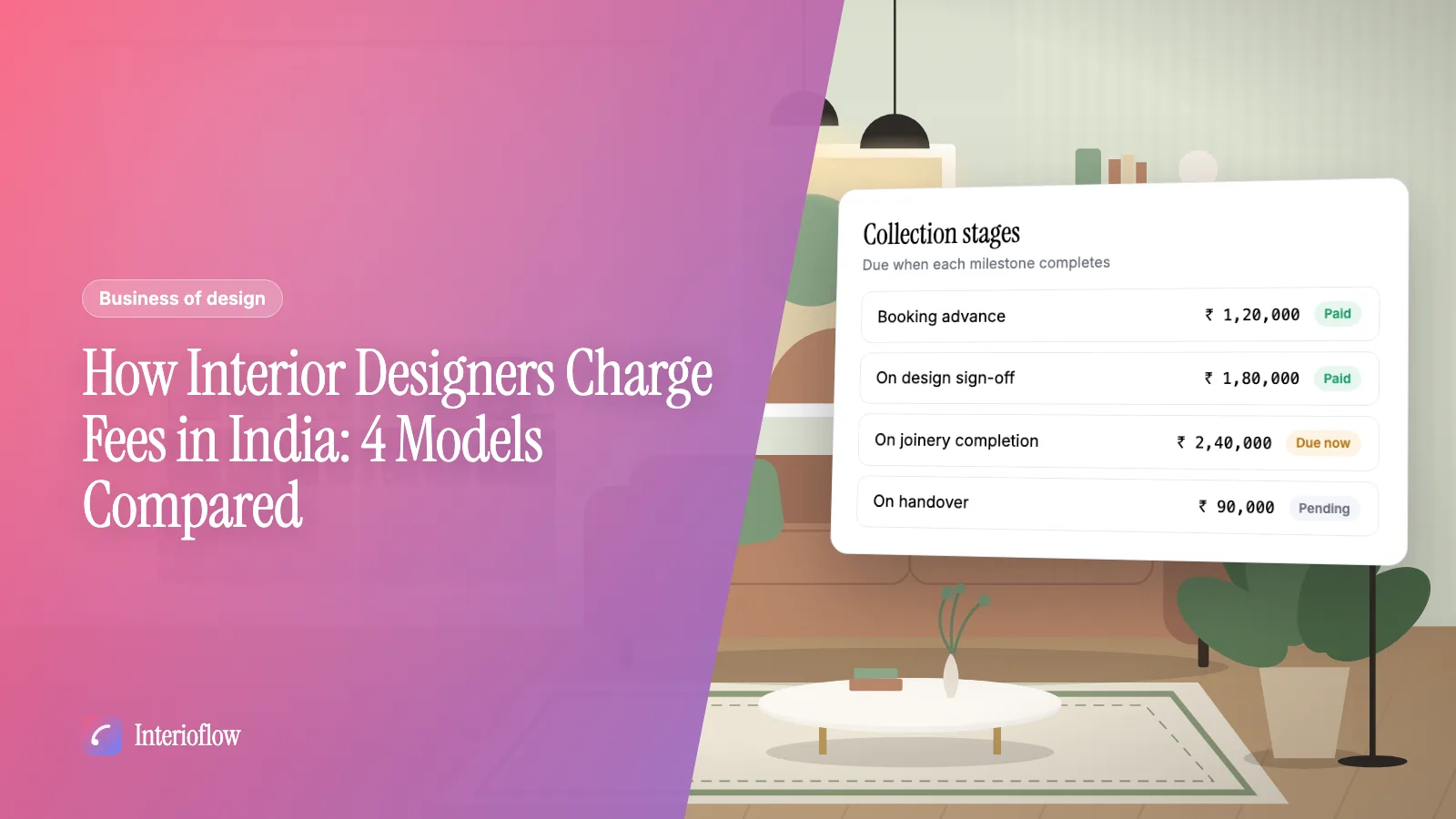
Percentage, per sq ft, lump sum or hourly: how each interior design fee model works in India, where each one hurts, and how to collect fees in stages.
· 8 min read
Get quotations, deadline changes and extra charges approved in writing. Clients confirm with an emailed one-time code, and every decision is logged.
Learn moreSend concepts, colour palettes, layouts, finishes, agreements and payment terms for client sign-off, with options, drawings, revisions and reminders.
Learn morePlan milestones for every interior site, post progress photos and videos, assign internal tasks and keep commitments, with the client seeing clean progress.
Learn moreFlat per-site pricing. Unlimited users. Start with a free site.