
Running projects
WhatsApp is not project management (but keep using it)
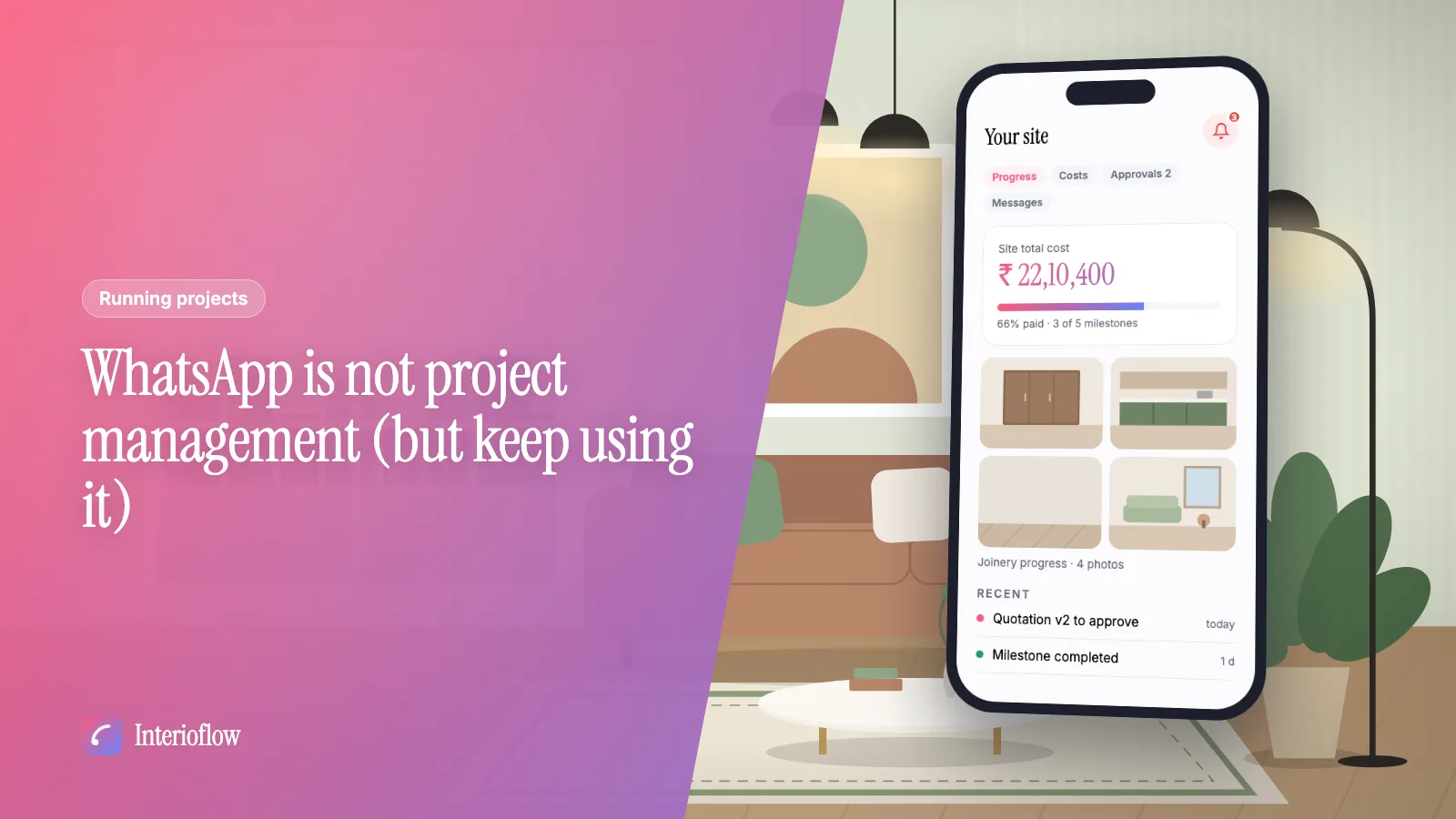
WhatsApp is great for quick chats with interior clients. Here's what it can't do (approvals, costs, records) and a simple way to split the work between tools.
· 8 min read
Team
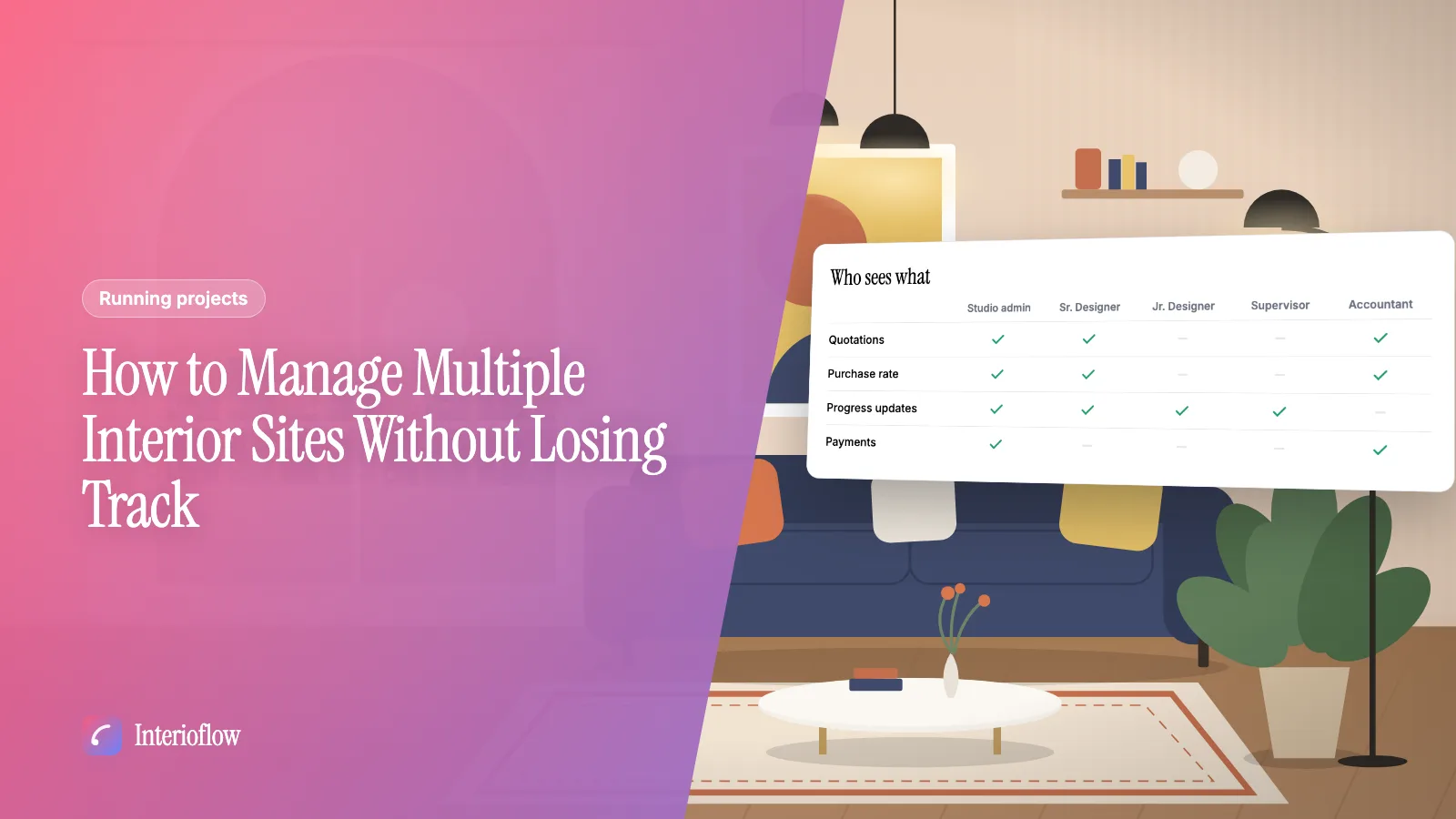
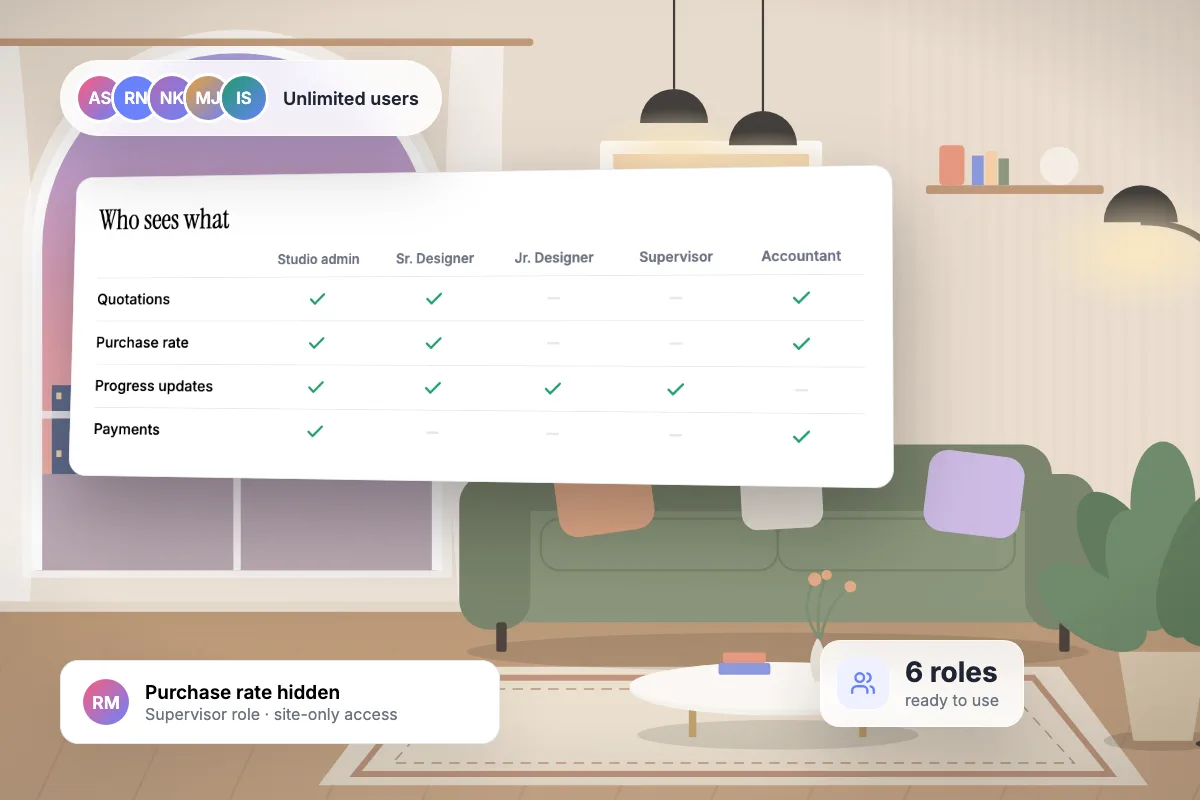
Interioflow starts every studio with ready-made roles for a senior designer, interior designer, junior designer, site supervisor and accountant. Each role holds exactly the permissions ticked on it, can be limited to assigned sites, and the purchase rate is protected by both a studio policy and a role permission.
See it in action
Roles that decide who sees what, and adding a member. A real recording of Interioflow with a sample studio's data, 86 seconds.
In a growing studio, everyone ends up with the same spreadsheet: the junior sees the margin, the supervisor sees the fee, and the client is one forwarded file away from seeing both.
Six ready-made roles, editable at any time.
About 90 permissions grouped by module, from milestones to reports.
Scoped roles only see the sites they are put on.
Purchase cost and markup need both the studio policy and the permission.
No. Pricing is per site, so you can add your whole team without extra fees.
Yes. The site supervisor template sees only the sites they are assigned to.
Yes. Edit the templates or create new roles and tick exactly the permissions they need.
Running projects
WhatsApp is great for quick chats with interior clients. Here's what it can't do (approvals, costs, records) and a simple way to split the work between tools.
· 8 min read
Running projects
A practical system for running several interior sites at once: weekly rhythms, supervisor reporting, promises tracking and what to stop doing on WhatsApp.
· 8 min read
Track material inward, stock and allocation to sites, keep a vendor rate book, and price each site separately while keeping purchase rates private.
Learn moreSchedule designer fee instalments, tie collections to milestones, record payments and see what is paid, pending and due on every interior site.
Learn morePlan milestones for every interior site, post progress photos and videos, assign internal tasks and keep commitments, with the client seeing clean progress.
Learn moreFlat per-site pricing. Unlimited users. Start with a free site.