
WhatsApp is not project management (but keep using it)
WhatsApp is great for quick chats with interior clients. Here's what it can't do (approvals, costs, records) and a simple way to split the work between tools.
By the Interioflow team · · 8 min read
WhatsApp is a perfectly good way to talk to interior design clients: it's instant, everyone's on it, and a photo of a laminate sample gets an answer in minutes. What it can't do is run the project. It won't keep approvals you can rely on, a running total of what's agreed and paid, a clear record of progress per site, or any control over who sees what, so those need to live somewhere more structured while the chat stays for chat.
We're not here to tell you to delete it. We use it too. But almost every payment dispute we've heard about from studios started with a sentence like "but I told you on WhatsApp".
What WhatsApp is genuinely good at
Let's give it its due. For an Indian interior studio, nothing beats WhatsApp for:
- "Reaching site in 20 minutes."
- A quick photo of two handle options at the hardware shop, with "left or right?"
- Telling the client the society has stopped work for the day because of a complaint.
- A voice note to a carpenter who doesn't read long messages.
- Keeping a client warm. A good morning on Diwali, a photo when the false ceiling goes up.
It's fast, it's free, and you never have to teach anyone how to use it. Your 68-year-old client in Indore who refuses to check email reads every WhatsApp within the hour. That's a real strength, and any system that ignores it will lose.
Where it starts to break
The problems don't show up on your first site. They show up on your fourth, when you have a group per client, a group per site team, a group with vendors, and a personal chat with the client's spouse who "just wants to check one thing".
A few situations that'll sound familiar:
- The client approved the kitchen layout sometime in July. Somewhere above 600 messages, eleven forwarded reels and a discussion about a cousin's wedding.
- A designer on your team leaves. The client conversation was on her phone. So were the photos of the wiring before the walls were closed.
- Your supervisor forwards a vendor's rate sheet to the wrong group. Now the client knows what you pay for hardware.
- The client says, "You never told me the TV unit would cost extra." You did. In a voice note. Good luck finding it.
- Three sites, all with progress photos in the same gallery, and you're trying to work out which bathroom was tiled on which date.
None of this is WhatsApp's fault. It was built for conversation, and a project is more than conversation.
Five things a chat thread can't do
Here's the honest list. If your studio handles these somewhere else, WhatsApp is fine as it is. If it doesn't, this is where your time and money are leaking.
- Hold an approval that stands up later. A thumbs-up on a photo doesn't say which version, which amount, or whether GST was included. The client can also say, fairly, that they meant "looks nice", not "approved".
- Keep a running total. Nobody can scroll a chat and tell you what's been agreed so far, what's been paid, and what's pending. That number decides your cash flow.
- Separate versions. Layout v1, v2 and v3 all look alike as images in a thread. Which one did the client approve, and which one is the carpenter working from?
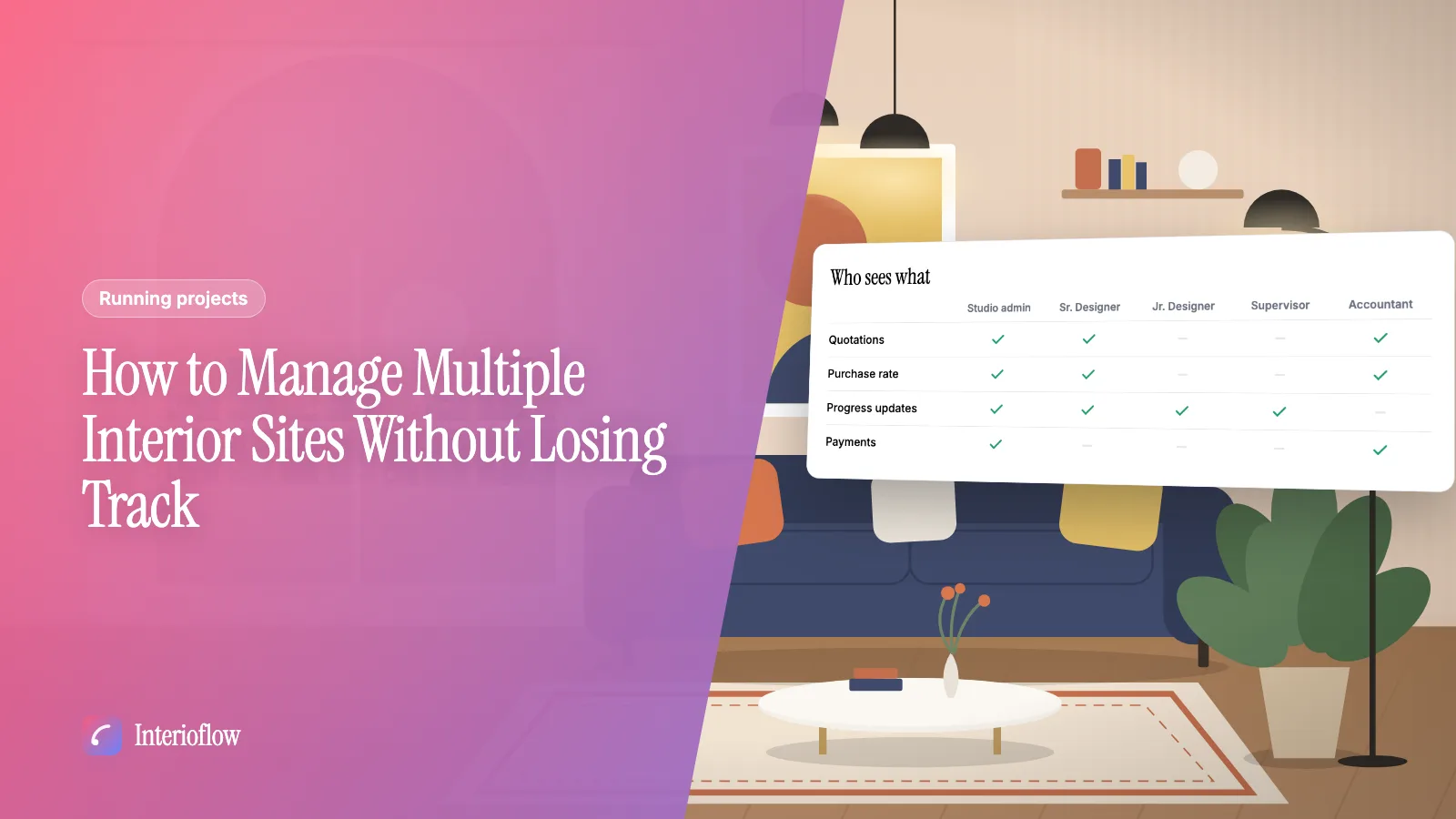
- Control who sees what. A group is all or nothing. You can't show the client progress but hide your purchase rates, or let the supervisor see the site but not the fee.
- Stay with the studio when people leave. Chats live on personal phones. When someone moves on, their history goes with them, or sits on a phone nobody can open.
There's a sixth, smaller one: reminders. WhatsApp won't nudge the client that the tile approval is due tomorrow. You will, three times, and feel slightly embarrassed each time.
A simple split: what goes where
The fix isn't "stop using WhatsApp". It's agreeing, inside the studio, what kind of thing goes where. Something like this:
| Kind of thing | Where it belongs |
|---|---|
| Quick questions, timings, "on the way" | WhatsApp is fine |
| Photos for a quick opinion | WhatsApp, then the chosen option gets approved properly |
| Quotation approvals and extra work | A written approval naming the item and amount |
| Deadline or milestone changes | A written request with a reason, approved by the client |
| Finishes, layouts, colour palettes | A design sign-off with the version and options attached |
| Payments received | Recorded against the site, with date and method |
| Progress photos for the record | Filed against the site and the date |
| Internal notes, vendor rates | Never in a client-facing group |
Write the table on a sheet, share it with your team, and hold each other to it for a month. The habit matters more than the tool.
For approvals in particular, we've written a longer piece on getting client approvals in writing. And if you're juggling several sites, the guide to managing multiple interior sites covers how to keep each one's record separate.
Where a project app actually helps
You can run the table above with email, a shared drive and a spreadsheet. Plenty of good designers do, especially with one or two sites. It just gets heavy once you have a team and five live sites, because the discipline sits entirely on people remembering.
This is the gap we built Interioflow for. Each site has its own message thread between the studio and the client, so the conversation is attached to the site rather than to someone's phone. Quotations, deadline changes and material charges go to the client for approval with a 6-digit code sent to their email, and every decision lands in the site's activity log. Progress updates carry photos and videos and are dated against the site, so "when was the bathroom tiled?" has an answer.
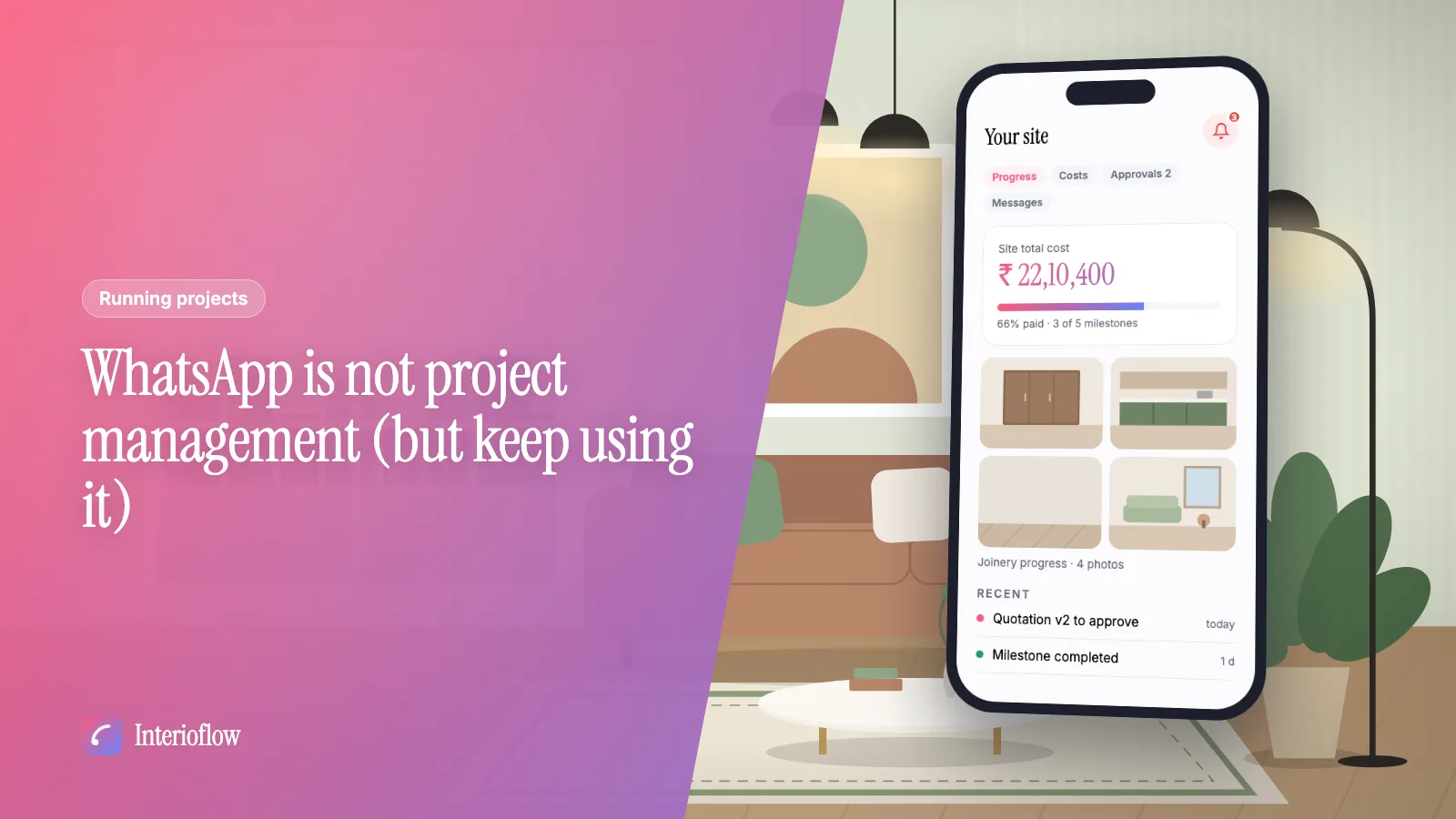
On the client side, the client portal gives them their site's progress, costs, quotations, approvals and messages in one place, and nothing internal: no purchase cost, markup or vendors. Inside the studio, roles and permissions decide who sees which sites and which numbers, so a site supervisor can see their sites without seeing your margins. And a notification bell shows each person what's waiting on them, which takes care of a lot of the "did you see my message?" follow-ups.
It doesn't replace the friendly WhatsApp. It replaces the WhatsApp you were using as a filing cabinet.
Moving clients over without offending them
Clients don't like being told how to talk to you. So don't announce a new policy. Change the pattern quietly:
- Keep replying on WhatsApp. When something needs a decision, say, "I've sent the revised quotation to your email and portal, please approve it there so we have it on record."
- Explain the why once, in their interest: "This way you can see exactly what's been agreed and paid, any time."
- For older clients, sit with them once at a site visit and show them where the Approvals tab is. Ten minutes, done.
- When a client approves something on WhatsApp anyway (they will), thank them and send the proper approval: "Great, I've sent it through for your confirmation."
Within a few weeks most clients follow the pattern on their own. Some never will, and that's fine. You'll still have the record for everything that matters.
What about the chats you already have?
Don't try to clean up years of history. For live sites, go through each client thread once and pull out the decisions that still matter: approved layouts, agreed amounts, promised dates. Put those on record now, and send the client a short summary so you're both looking at the same list. It's a dull afternoon, and it's cheaper than one argument at handover.
Quick answers
Is it okay to manage interior design clients on WhatsApp? For quick questions, site timings and the odd photo, yes. It's fast and every client already uses it. The trouble starts when approvals, money and progress records live only in a chat thread, because they're hard to find and easy to dispute later.
What should not be decided on WhatsApp? Anything you'll need to prove later: quotation approvals, extra work, deadline changes, finishes and payment terms. Those need a written record that names the item and the amount and is tied to the client's own account or email.
Do I need a project management app as an interior designer? Once you're running more than a couple of sites or have a team, it usually pays for itself in saved time and fewer arguments. A spreadsheet and a disciplined email habit can work for one or two sites, as long as decisions don't stay buried in chat.
How do I move clients off WhatsApp without annoying them? Don't ban it. Keep chatting there, but send anything that needs a decision or a payment to its proper place with a short message pointing to it. Clients get used to the pattern within a few weeks.