
How to Manage Multiple Interior Sites Without Losing Track
A practical system for running several interior sites at once: weekly rhythms, supervisor reporting, promises tracking and what to stop doing on WhatsApp.
By the Interioflow team · · 8 min read
To manage multiple interior sites, give every site one clear owner, break the work into milestones with planned dates, and get a short photo update from each site on a fixed rhythm. Then review all sites together once a week from one place. Most multi-site chaos isn't caused by too much work; it's caused by information arriving late and scattered across phone calls and WhatsApp groups.
That's the short version. The longer version is below, built from what we've seen go right and wrong at studios running anywhere from three to twenty-odd sites.
Why the third site is where it breaks
With one or two sites, you can hold everything in your head. You know the carpenter in Wakad is waiting on hinges, and you know the client in Kharadi wants the TV unit moved 6 inches. You drive past both on the way home.
The third or fourth site is usually where it cracks. You start forgetting which client you promised the laminate samples to. The supervisor calls about a plumbing clash while you're presenting a mood board to someone else. A vendor delivers 40 sheets of plywood to the wrong address. Nobody did anything badly; there was just no system catching the details.
So the goal isn't to work harder. It's to stop being the only place where the project lives.
Give every site one owner (and make it obvious)
Every site needs one person who answers for it day to day. In smaller studios that's often a designer; in execution-heavy firms it's a site supervisor reporting to a senior designer.
What goes wrong is the "everyone knows" arrangement. The junior designer thinks the supervisor told the client about the delay. The supervisor thinks the designer did. The client hears from neither, and finds out when they visit on Sunday.
Write down, per site:
- who the owner is,
- who else is on the team,
- who talks to the client about what (design questions vs site issues vs money).
It feels bureaucratic for about a week. Then it saves you a dozen awkward calls.
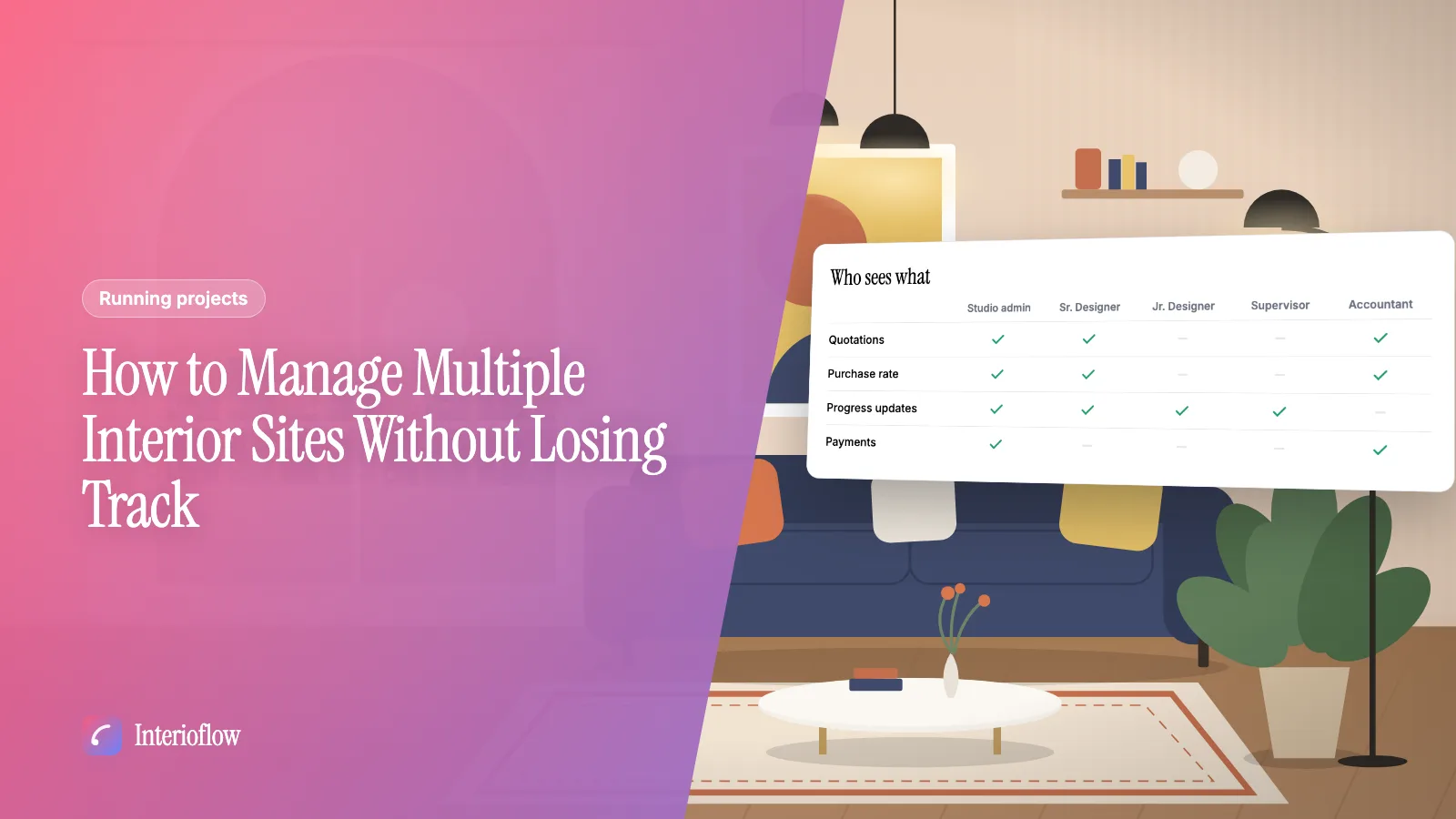
It also helps to control what each person sees. A site supervisor running three sites doesn't need to see the other twelve, or the purchase rates on the bills. In Interioflow, roles like Site Supervisor see only the sites they're assigned to and no money tabs, while the studio admin sees everything. You can read how that works on our team permissions page.
Break each site into milestones, not a to-do list
A to-do list with 140 items tells you nothing about whether a site is on track. Milestones do.
A typical residential fit-out might run:
- Site measurement and civil changes
- Electrical and plumbing first fix
- False ceiling
- Carpentry and modular kitchen
- Painting and polishing
- Fixtures, lights and final fix
- Deep cleaning and handover
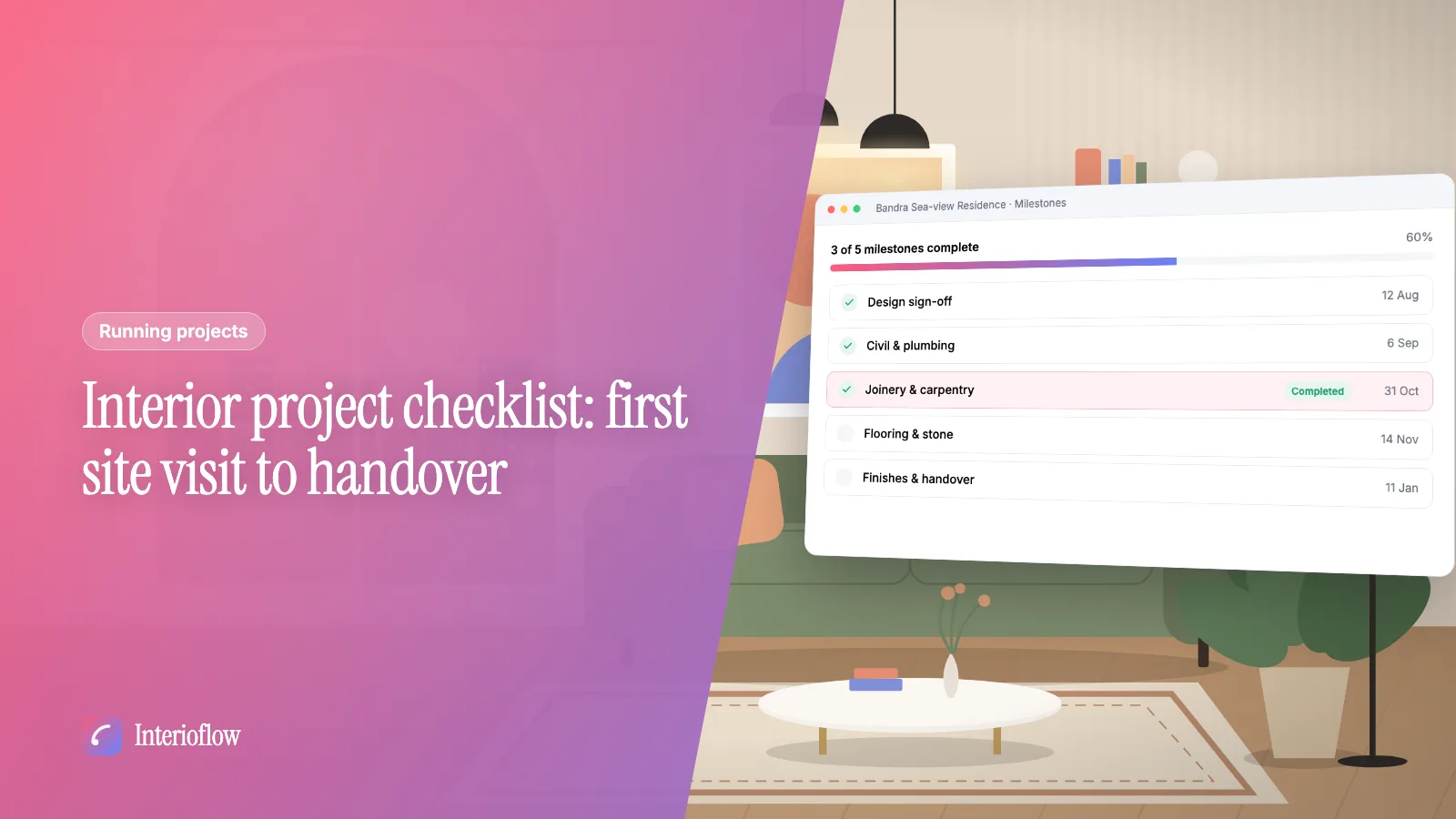
Give each one a planned date and a simple status: pending, in progress, completed. Now you can look at seven sites and see in a minute which ones are slipping. The detailed tasks still matter, but they sit under the milestone ("order hinges", "confirm granite thickness"), not alongside it.
One honest admission: we used to put everything on the client-facing schedule. Then a client saw "rework wardrobe shutters" and panicked. Keep internal tasks internal. In Interioflow, sub-tasks under a milestone can be assigned to team members and are never shown to the client, while the milestones themselves are.
Set a reporting rhythm your supervisors will actually follow
The best update format is the one that gets sent every day without you asking. That means short.
For each site, ask for:
- what got done today,
- who was on site (carpenter, electrician, painter),
- what's blocked, and what it's waiting on,
- two or three photos of real progress, not the same corner every day.
That's it. Five minutes for the supervisor. The trick is consistency: same time, same format, every working day. If you only hear from a site when there's a problem, you're managing by fire alarm.
Photos are worth insisting on. "Kitchen 70% done" means different things to different people. A photo of the carcasses fixed and shutters still in their wrapping is unambiguous.
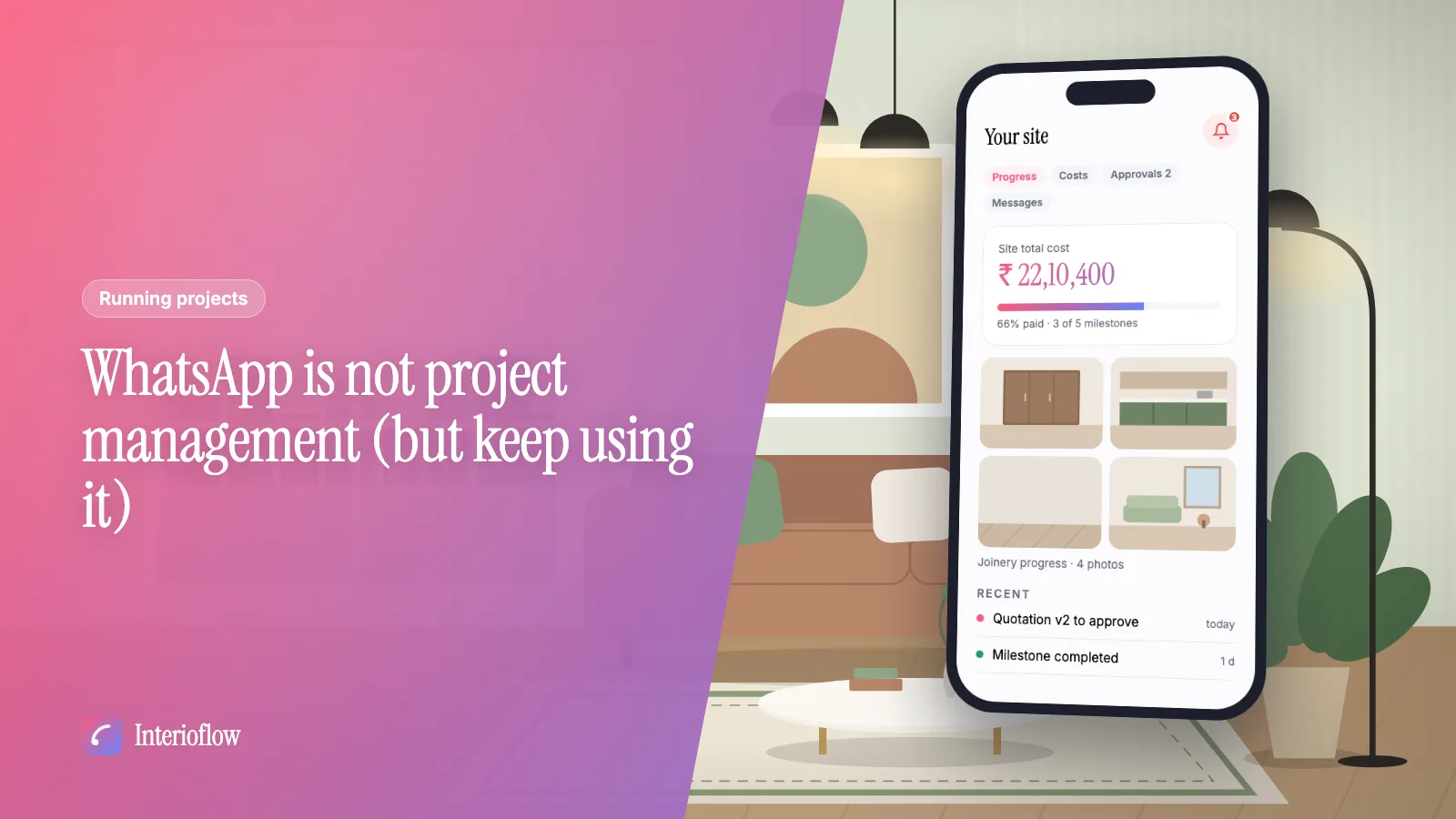
When these updates live in a group chat they scroll away in hours. We've written separately about why WhatsApp isn't project management, but the short version is that you need updates attached to the site they belong to, with dates, so you can look back three weeks later and see what actually happened. In Interioflow, progress updates carry a note, a date and up to 10 photos or videos, and the client sees them in their portal, which also cuts down on "what's happening on my site?" calls. More on our site tracking page.
Track promises separately from tasks
This one took us a while to appreciate. A lot of what goes wrong across many sites isn't the work itself; it's the promises around it.
"I'll send the revised kitchen layout by Thursday." "The sofa will be delivered before Diwali." "Our accountant will share the GST invoice tomorrow." Each one is small. Across eight sites, there might be thirty of them open at once, and the client remembers every single one.
Keep a running list of promises with:
- what was promised,
- to whom,
- by when,
- who's responsible,
- whether it's done.
Review it every morning. Anything due today or overdue gets handled first, before new work. It's surprising how much client goodwill comes from simply doing what you said, on the day you said.
Interioflow calls these commitments: dated promises with an owner and a status, which are surfaced when they're due or overdue. There's also a "promises kept" report if you want to see, honestly, how the studio is doing on them.
Run a weekly review across all sites
Daily updates keep each site moving. A weekly review keeps the studio from drifting.
Once a week, sit down (with your senior designer or supervisors if you have them) and go through every active site in one pass. For each, three questions:
- Is the next milestone on track for its planned date?
- What's blocked, and who's unblocking it?
- Is anything waiting on the client: an approval, a payment, a decision on tiles?
That third question matters more than it looks. Half the "delays" on a typical site are really waiting for the client to pick between two veneers or release a payment. If you track those as delays on your side, you'll feel behind all the time.
Also look at paused sites. A site on hold because the client is travelling for two months should be marked as on hold, with the reason written down, so nobody wastes time chasing it and nobody forgets to restart it.
In Interioflow, the reports section includes a site register, delivery performance and team workload, which together make this weekly review a lot faster than opening each site one by one. Sites can be paused with a reason and resumed with a note, so the history stays on the record.
Things to stop doing
Some habits feel like work but quietly make multi-site management harder:
- Being the only person every vendor calls. If every hardware query routes through your phone, you're the bottleneck for every site.
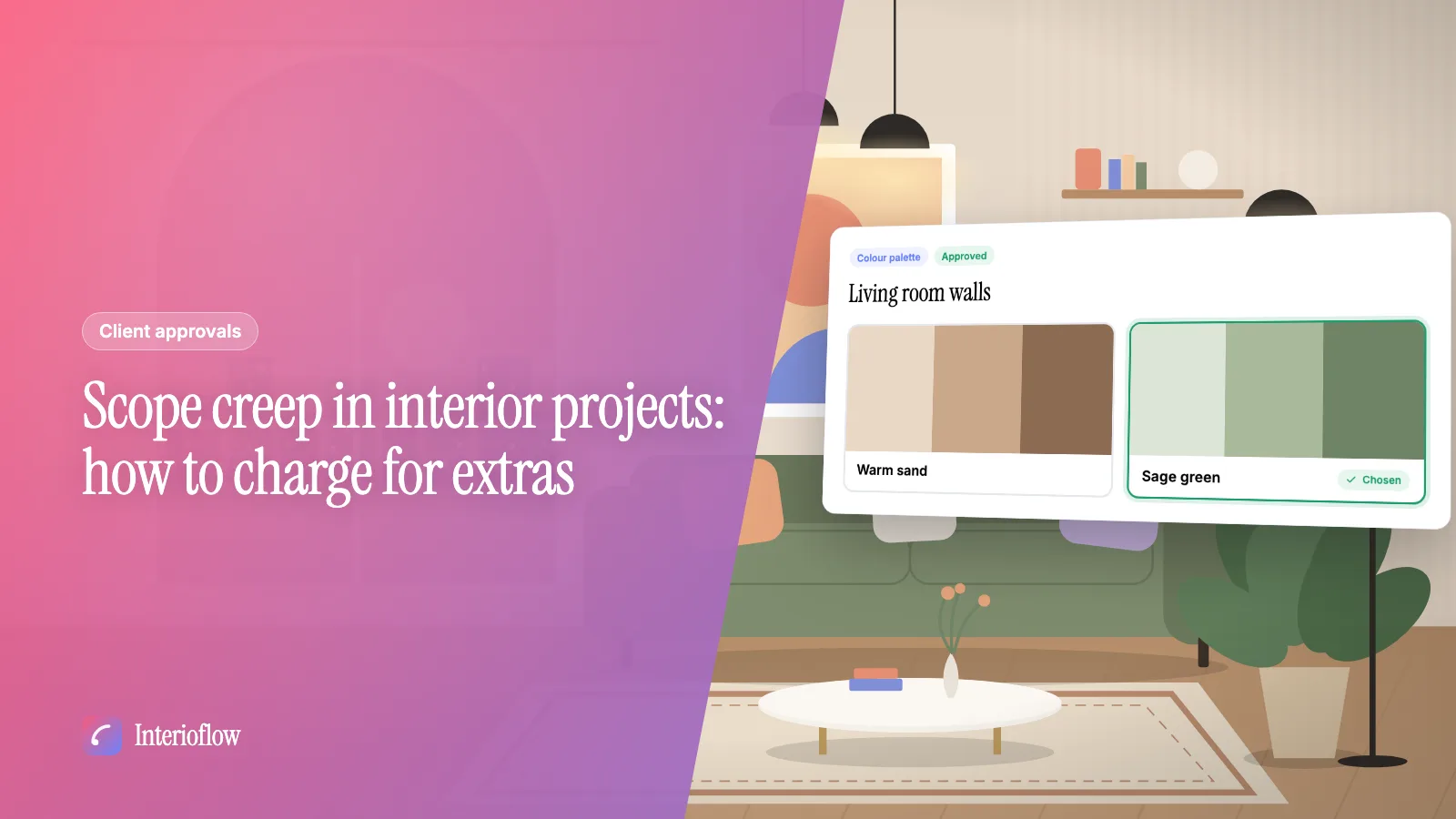
- Approving things verbally on site. The client says "yes, go ahead with the grey" while you're both standing in the kitchen. Three weeks later they don't remember saying it. Get it in writing; our guide on getting client approvals in writing covers how.
- Visiting sites without a reason. Visits matter, but a visit with a checklist (what to inspect, what to decide) is worth three drop-ins. Record what you saw and decided, with the date.
- Keeping the schedule in your head. If you fall ill for a week, could someone else run your sites? If not, the schedule isn't written down properly.
If you're running a turnkey or execution-heavy firm with many sites live at once, our page for turnkey firms shows how studios like yours tend to set this up.
Quick answers
How do you manage multiple interior design projects at once? Give every site one owner, a written list of milestones and a fixed reporting rhythm with photos. Then review all sites together once a week from one place, instead of chasing each one on the phone when something goes wrong.
What should a site supervisor report every day? What work happened, who was on site, what is blocked and why, and two or three photos of the actual progress. A short, consistent update beats a long one that arrives only when the designer asks for it.
How many sites can one interior designer handle? It depends on the size of the projects and how much execution you manage yourself, so there's no fixed number. The limit usually shows up as missed promises and late site visits, which is the signal to add a supervisor or change how you track work.
What is the best way to track interior project progress? Track milestones with planned dates and a status, attach dated photo updates to each, and keep a separate list of promises you've made to clients and vendors. Whatever tool you use, it should let you see every site's status on one screen.